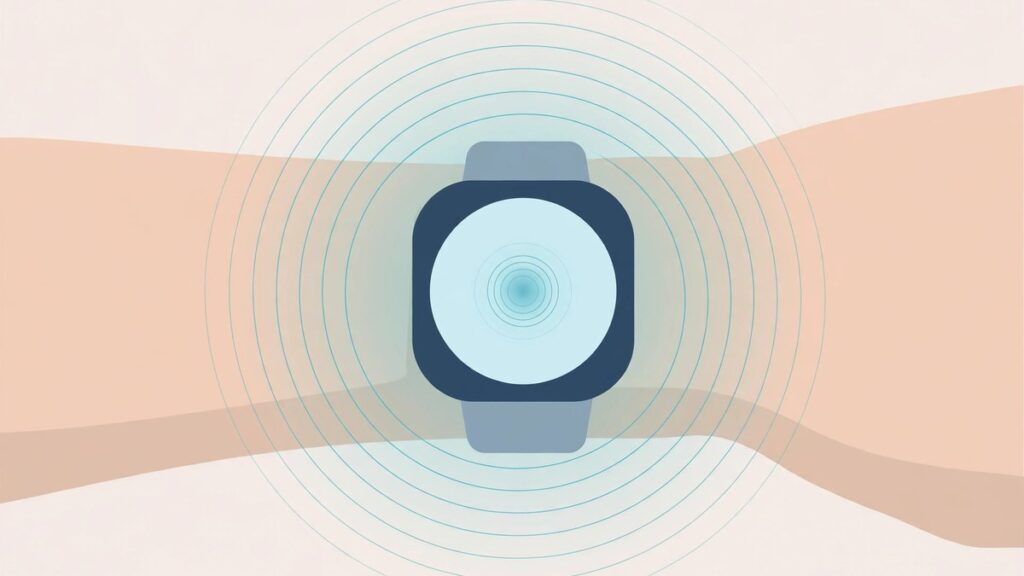
Your Apple Watch can tell you the time without you ever looking at the screen, using a little-known feature called Taptic Time. It taps the time onto your wrist in a pattern you can feel, and you switch it on in Settings, then Clock, then Taptic Time.
Once it is on, you choose one of three patterns, Engadget explains. Digits is the most precise: long taps mean tens and short taps mean ones, applied to hours and then minutes, so 10:09 would be one long tap, a pause, then nine short taps. Terse is simpler, using long taps for every five hours and quarter-hour increments, but it is only accurate to 15 minutes. Morse Code taps out each digit of the time in Morse code, which Apple itself admits is only for people who know the system.
To use it, touch and hold two fingers on the watch face. If VoiceOver is on, you can double-tap the watch face while the display is inactive. Apple notes that Taptic Time will not work if your watch is set to always speak the time, so you need to go to Settings, then Clock, and turn on Control With Silent Mode under Speak Time. The main beneficiaries are visually impaired users, for whom a visual check is not an option at all.
Why it matters
Taptic Time is a small feature with a large lesson about how technology should work. Most smartwatch features demand your eyes: a bright screen in a dark theatre, a glance in a meeting, a notification that pulls you out of a conversation. Taptic Time does the opposite, delivering information privately, silently and only when you ask for it. It is a reminder that the best wearable is often the one you notice least.
The feature also shows how accessibility design benefits everyone. Apple built Taptic Time for people who cannot see a screen, and Engadget notes that visually impaired users are its main beneficiaries. But the same design helps anyone who needs to stay quiet, keep their hands busy or avoid a glowing screen: a parent in a dark nursery, a cyclist, a student in an exam hall, a worker whose hands are full. When a product is designed for the edge case, the mainstream gets a better product too.
There is a reason the feature stayed obscure for years, and it is worth understanding. Taptic Time asks the user to learn a code, and modern technology has trained us to expect everything instantly and visually. Digits mode is the most practical, but it still takes a few days to read fluently, and Terse mode trades precision for simplicity. That learning curve is exactly why the feature is buried in Settings rather than advertised on the box, and why a guide like this one is needed to surface it.
The wider point is about attention. Smartwatches promised to save us from our phones, then became another source of taps, buzzes and glances. A feature that lets you check the time without looking, without sound and without anyone else noticing is a small act of resistance against that design. It will not change the industry on its own, but it points at a future where wearables whisper instead of shout.
What to watch next
Watch whether Apple promotes haptic features more widely. Taptic Time has existed since watchOS 6 in 2019, yet it remains buried in Settings, and its survival suggests Apple still sees value in quiet, screen-free interaction.
Watch for similar ideas in other wearables. If haptic time-telling catches on as a privacy and accessibility feature, expect rival smartwatch makers to offer their own versions, and expect the next Apple Watch software update to surface the setting more prominently.
Frequently asked questions
What is Taptic Time on Apple Watch?
Taptic Time is an Apple Watch feature that tells you the time through taps on your wrist, using the watch’s Taptic Engine. You feel the time instead of seeing it on screen.
How do I turn on Taptic Time?
Open Settings on your Apple Watch, tap Clock, then Taptic Time, and switch it on. You can also set it up in the Watch app on your iPhone under My Watch, then Clock, then Taptic Time.
What is the difference between Digits, Terse and Morse Code?
Digits is the most precise: long taps mean tens and short taps mean ones, for hours and then minutes. Terse is simpler but only accurate to 15 minutes. Morse Code taps out each digit in Morse code.
How do I feel the time once Taptic Time is on?
Touch and hold two fingers on the watch face. If VoiceOver is on, you can also double-tap the watch face while the display is inactive.
Why is Taptic Time not working on my watch?
Taptic Time will not work if your Apple Watch is set to always speak the time. Go to Settings, then Clock, and turn on Control With Silent Mode under Speak Time to fix it.